Local and offline
Your journal stays on your iPhone. Writing, browsing, and search do not need a connection.
 First PersonEmail about the beta
A PRIVATE JOURNAL FOR IPHONE
Save a few words, add a photo if you want, and return to the memory later. No need to write every day.
Private on your iPhoneNo account requiredWorks offline
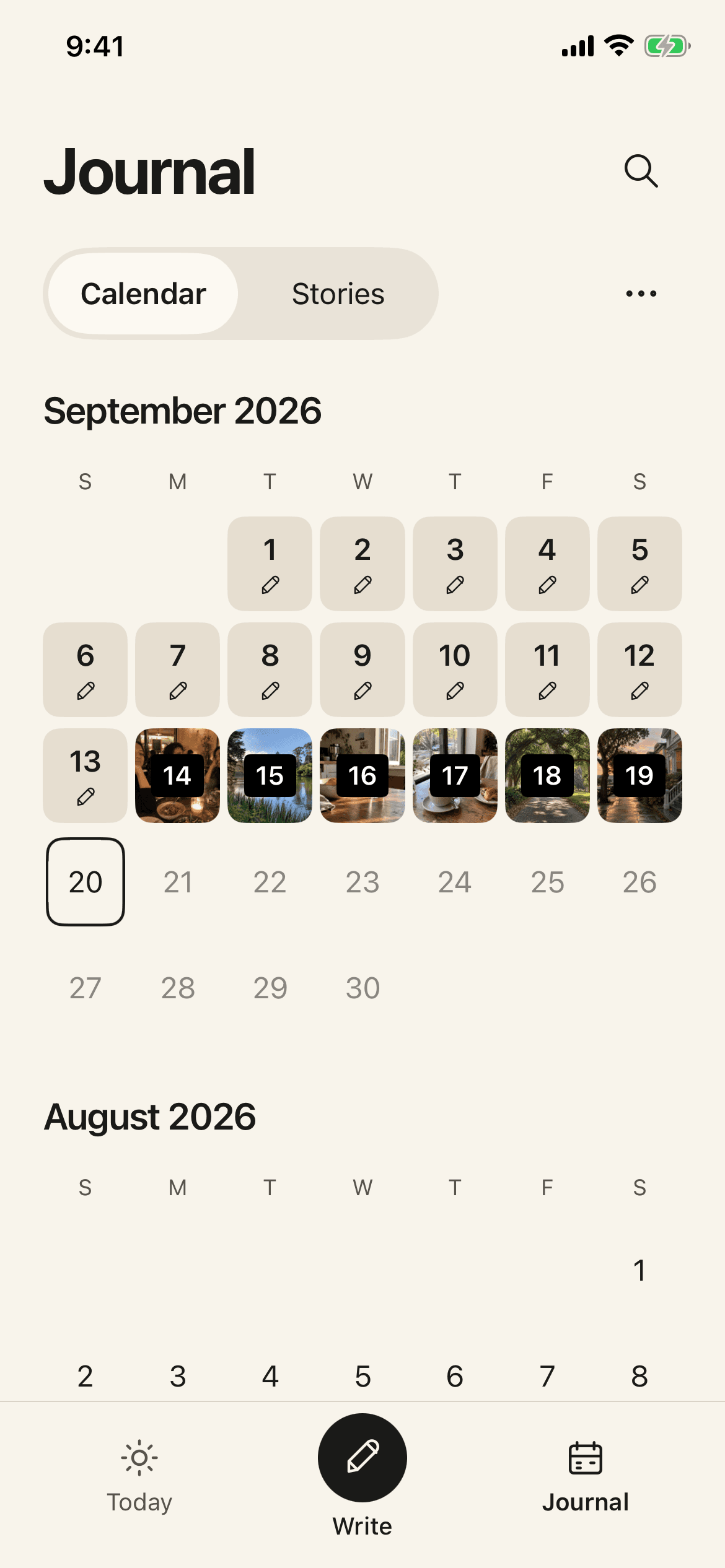
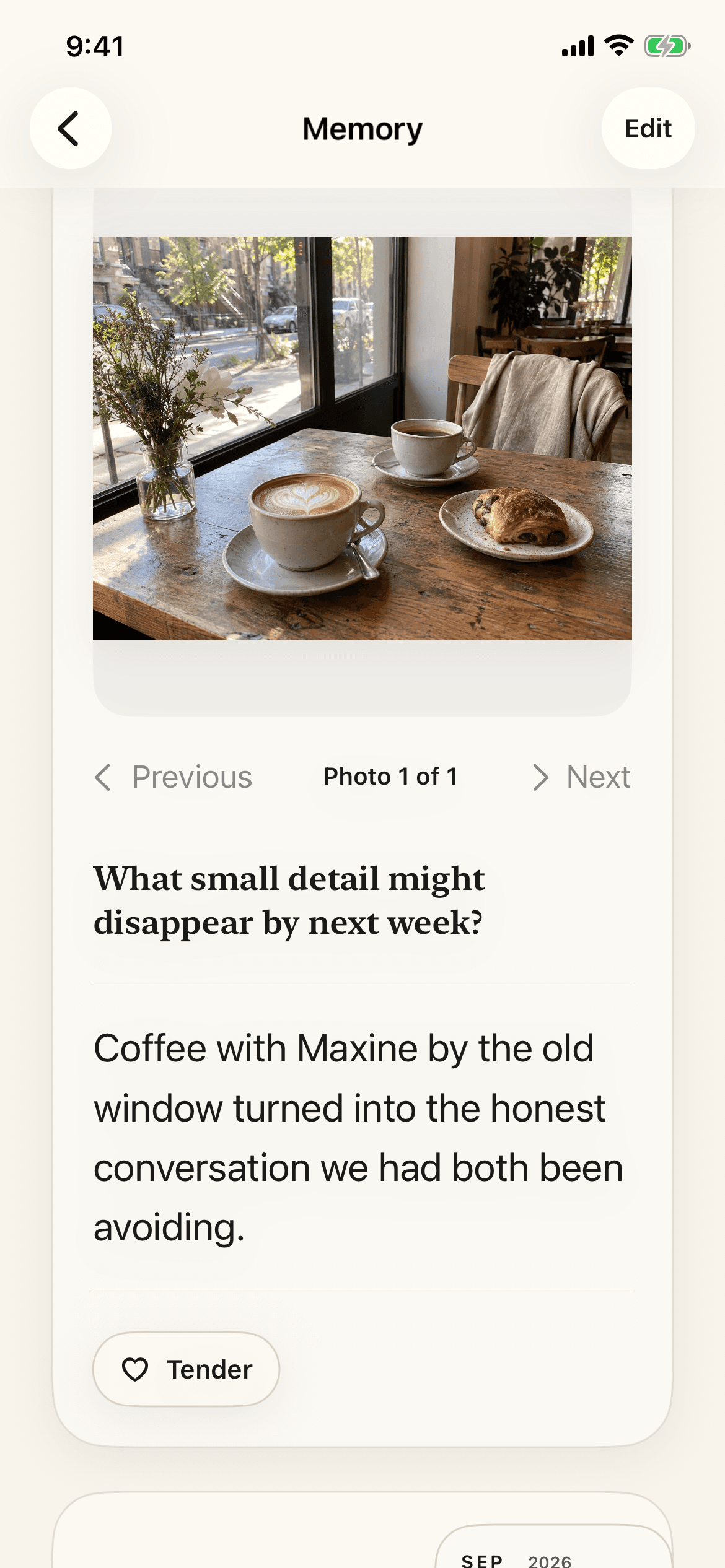
One memory, start to finish
Example memory
“Coffee with Maxine by the old window turned into the honest conversation we had both been avoiding.”
Save
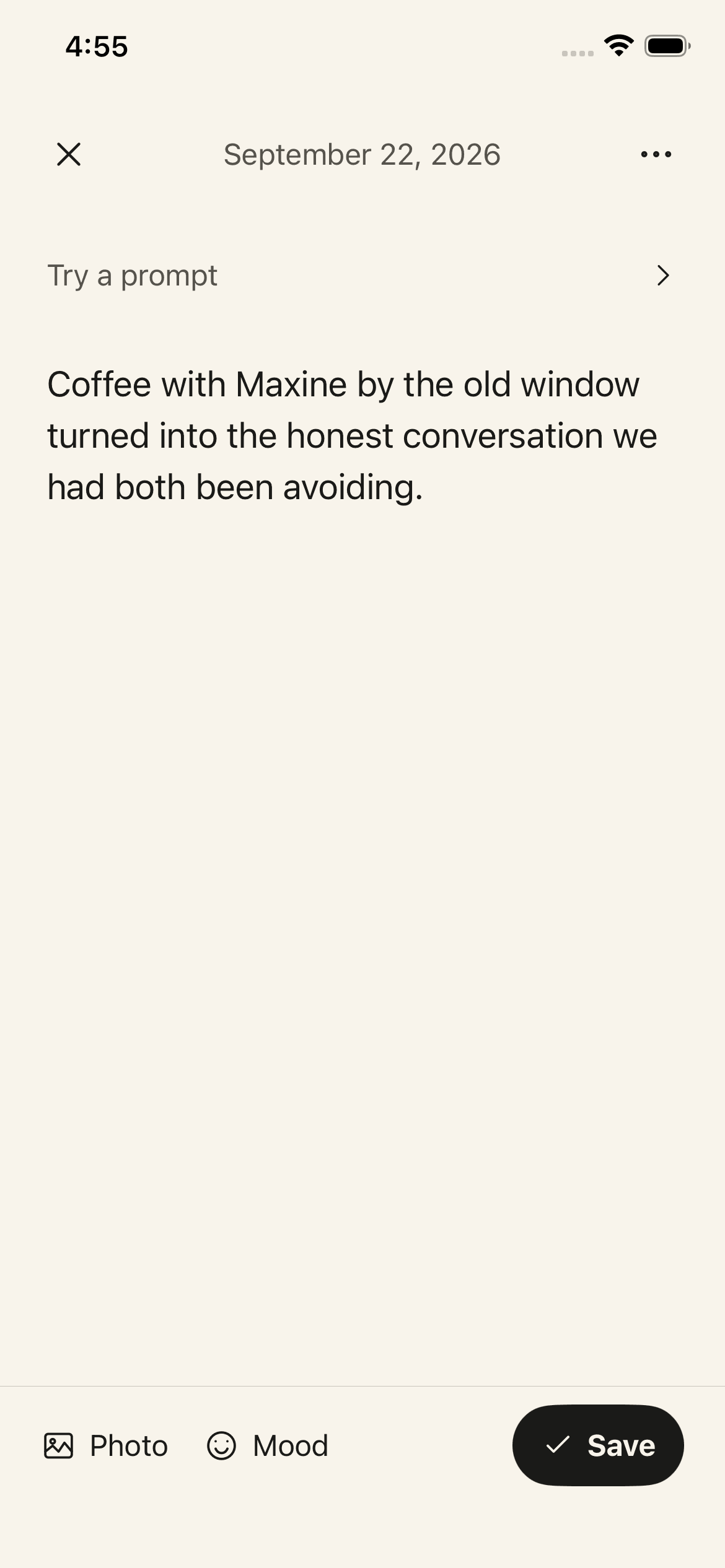
A few words are enough. This example has no photo, because a memory does not need one.
Search
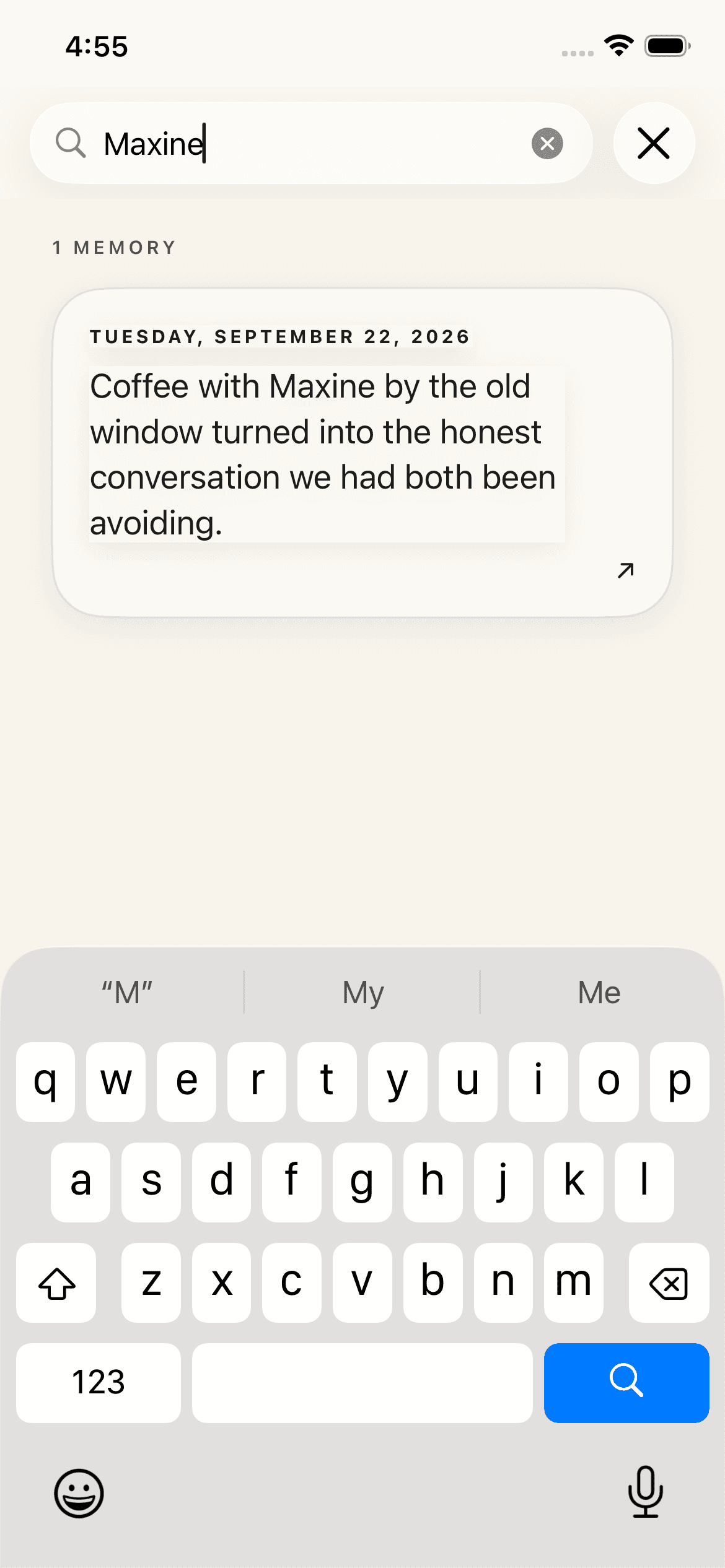
Search for “Maxine” to find the entry again.
Reopen
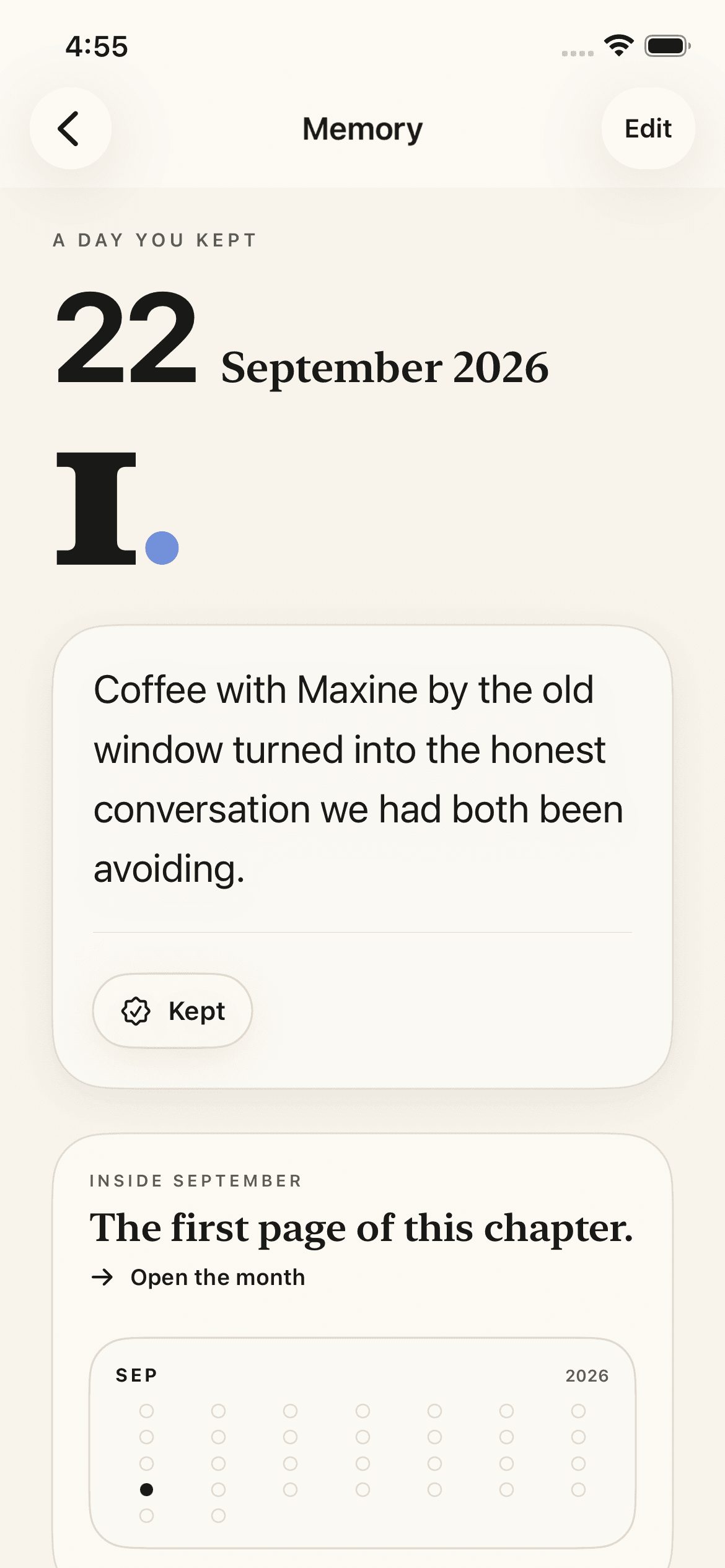
Open the result and the same entry is there, with the words and date you saved.
What might you keep?
You decide what belongs here. A sentence is enough.
The exact words that made everyone at the table laugh.
The music in the kitchen and the rain starting outside.
A story you finally asked someone to tell you again.
The quiet moment when you knew your mind had changed.
Private by design
Journal content stays on your device and is not sent to the developer. Make a separate backup when you want one.
Your journal stays on your iPhone. Writing, browsing, and search do not need a connection.
First Person works without an account, advertising, or remote journal processing.
Export readable Markdown or make a manual encrypted backup with a recovery phrase.
Already have a journal?
Preview and import Day One JSON or ZIP archives, Markdown, and CSV files. Nothing changes until you approve the import.
Before you ask
No. Add a page when there is something you want to keep. A few words can be enough.
No. Photos are optional. You can save a text-only memory or add a selected photo when it helps tell the story.
Search for a word or name that appears in the entry, or browse by date in the calendar. A result opens the original page.
Create an encrypted First Person backup in Settings, save the file somewhere you control, and keep its recovery phrase separately. You can restore that backup on your new iPhone.
Yes. First Person can preview and import Day One JSON or ZIP archives, Markdown, and CSV files. Nothing changes until you approve the import.
Your email expresses interest in the private beta. There is no public download, and emailing does not promise access.
Private on your iPhoneFIRST PERSON PRIVATE BETA
Email to express interest in the First Person private beta. There is no public download link, and an email does not promise access.